Floral Boutique Manager
Reviews
Floral Boutique Manager delivers a straightforward casual simulation experience. Its strengths lie in the simple mouse controls, the blend of cleaning and decorating, and the customer order system that gives each session a clear purpose. The bright visuals and pleasant music support a relaxing mood. Players who like creative organization will find it appealing, though those seeking complex management depth may find the tasks repetitive over time.
Description
Running a Flower Shop
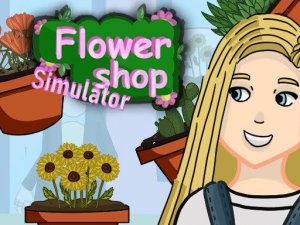
Floral Boutique Manager puts you in charge of a small flower shop. Your goal is to build a welcoming store by keeping it tidy and arranging floral displays. The game blends creative decoration with simple management tasks. Cheerful visuals and a calm pace create a relaxing atmosphere. It is designed for players who enjoy organizing spaces and serving customers.
Mouse Controls and Daily Tasks
Players interact using simple mouse controls. Click on items to move them around the shop. Cleaning tasks involve clicking on areas that need attention. To serve customers, select the requested items from your inventory. Helpful hints guide new players. Completing tasks may unlock new items or decorations. The gameplay is easy to learn, making it accessible for everyone.
Decoration and Customer Orders
The game includes cleaning and decorating activities that let you customize your flower shop. A customer order system gives you specific requests to fulfill. There is also a discovery mechanic where combining items may lead to surprises. Bright graphics and pleasant music contribute to a positive experience. Being an online game, it is free to play and runs in your browser. The game encourages creativity and organization without complex controls.
Tips for New Players
Keep your shop clean and organized at all times to attract customers. Pay attention to customer orders and try to complete them quickly. Experiment with different item combinations to see what new decorations you can unlock. Take your time to arrange your shop in a way that feels personal and inviting. Regular practice will help you become more efficient at managing tasks.








Editorial Notes